A little closer.
Every step.
Share your walk. Cheer each other on. An iPhone app for location sharing and daily step goals, built around the two of you.
Made for iPhone & Apple Watch
01 / Connected, by choice
Your walk.
Your call.
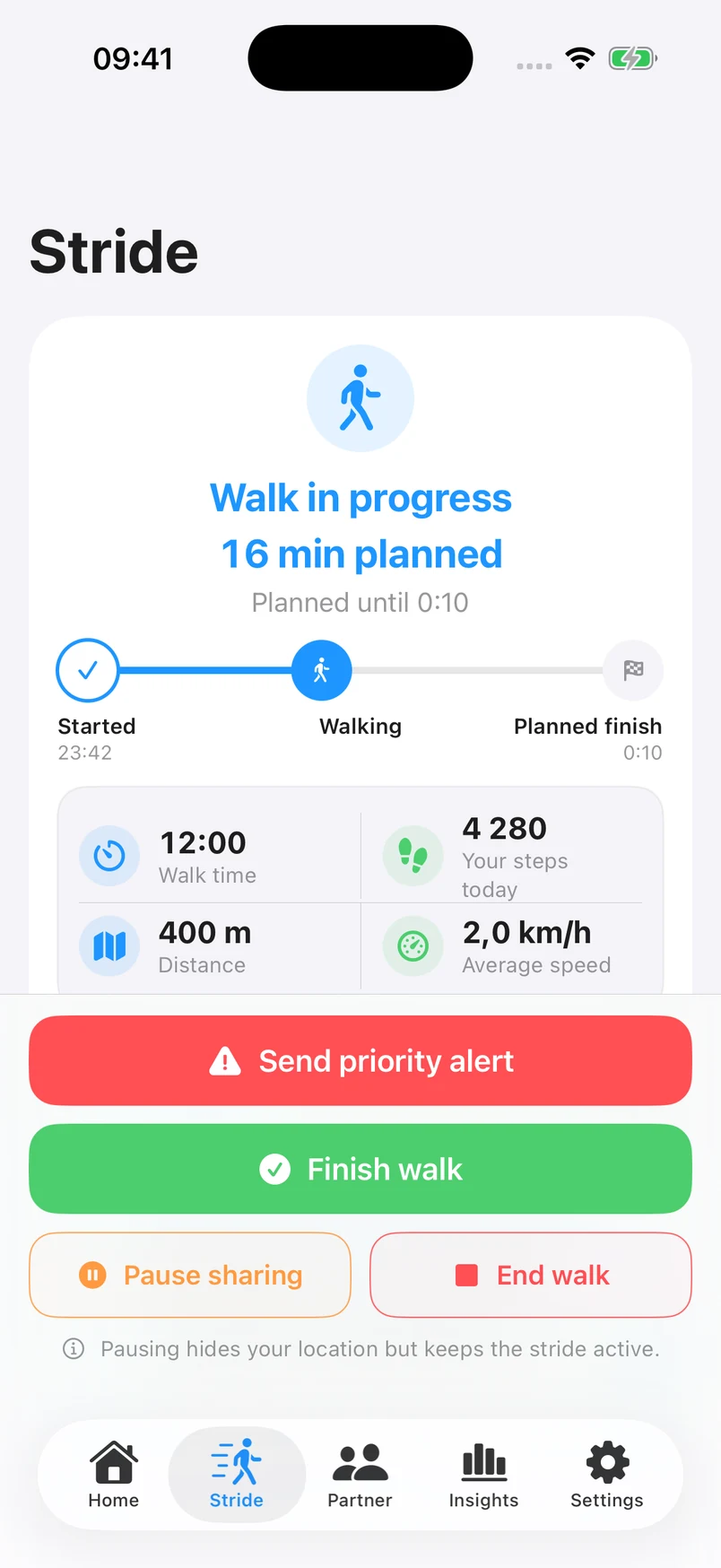
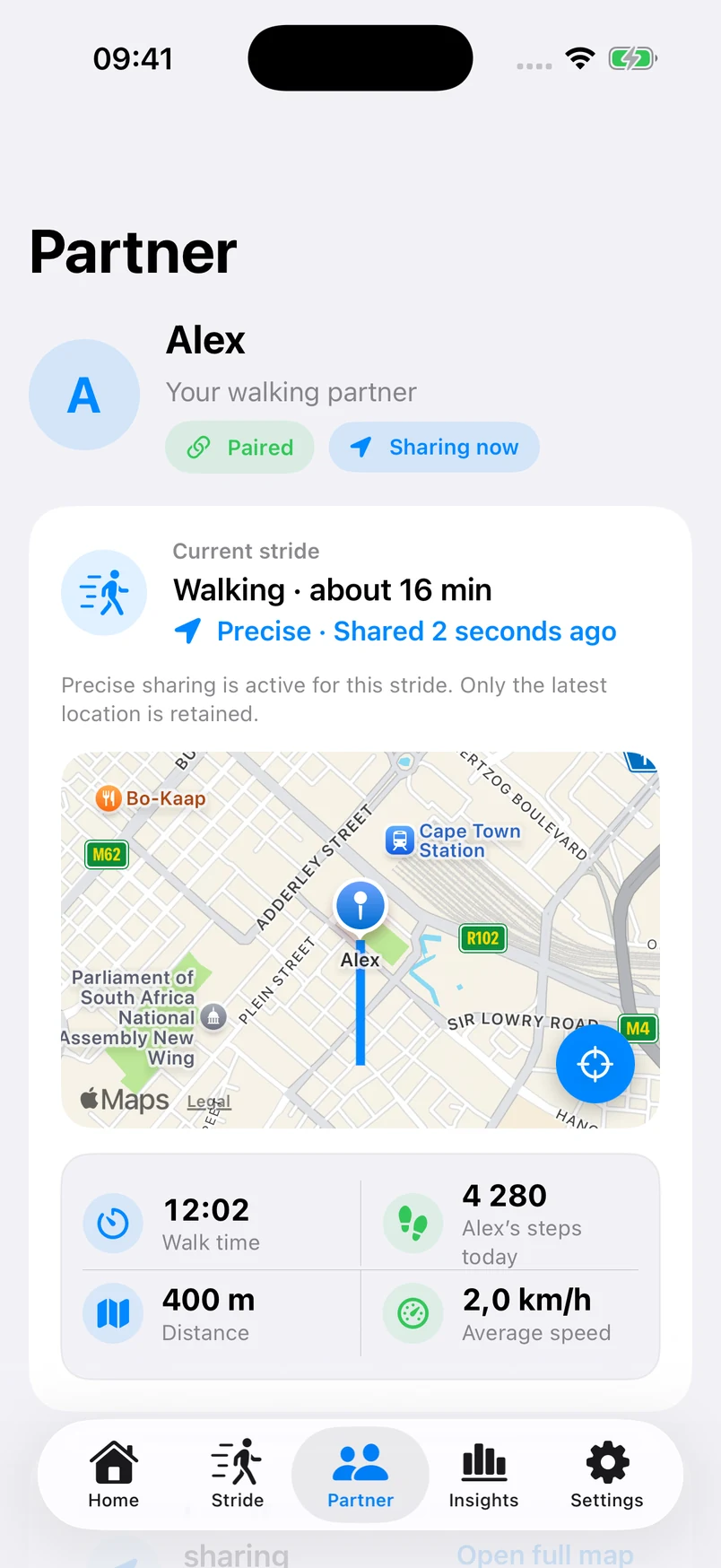
A location sharing app for couples that starts with a choice. Let your partner follow an active walk, then finish sharing when you finish.
- 1
Choose your walk
Set your plan and review Off, Approximate or Precise before you start.
- 2
Share the moment
Your partner can check your current walk while sharing is active.
- 3
Finish on your terms
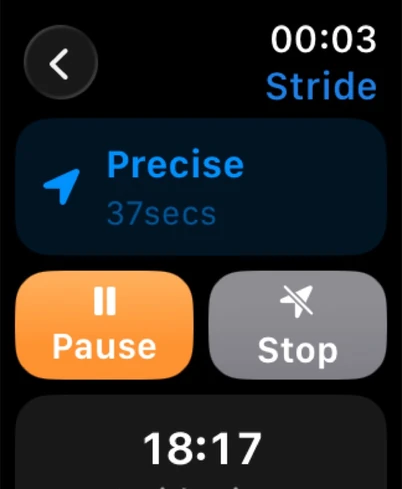
Pause or end sharing whenever you need to, from phone or Watch.
Small steps.
A shared habit.
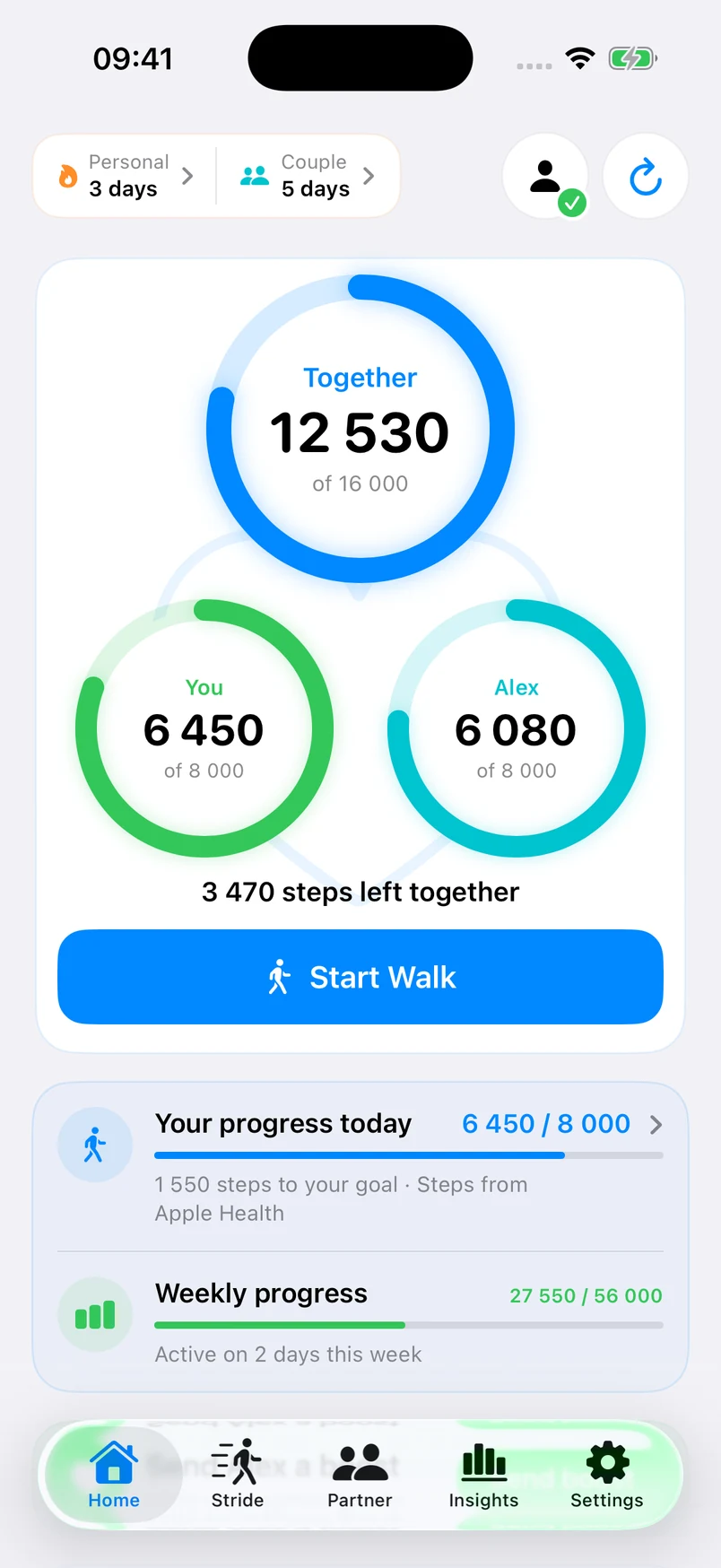
Your own goals. A little encouragement. Build a walking streak together with steps from Apple Health or your iPhone.
- Personal daily goals
- A shared finish line
- Encouragement for each other
A little space is part
of being close.
Pairing, steps and location are separate choices. You decide what your partner can see.
- Off, Approximate or Precise
- Pause and Stop within reach
- Private walk history stays on your device
A few good places to start
Good walks start
with good questions.
A little more
clarity.
All your questionsCan I share steps without sharing location?
Yes. Step sharing and location are separate choices. You can build a walking streak together while location stays off.
Can my partner follow an active walk?
Yes. Pair with one trusted person, choose Approximate or Precise, and start your walk. Your partner can see the location you approve while sharing is active. Precise and live-route sharing require a Plus preview or subscription.
What happens when I stop sharing?
Your partner loses access to your current location. Pause keeps the walk active; End finishes the walk and stops its location sharing. You can also revoke the pairing in Settings.
Do we both need an Apple Watch?
No. StrideSafe works on iPhone using Apple Health or steps recorded by the phone. An Apple Watch adds progress and sharing controls on your wrist.

More walks.
More connection.
For your everyday walks and the person
you want to share them with.
Public App Store release in progress.